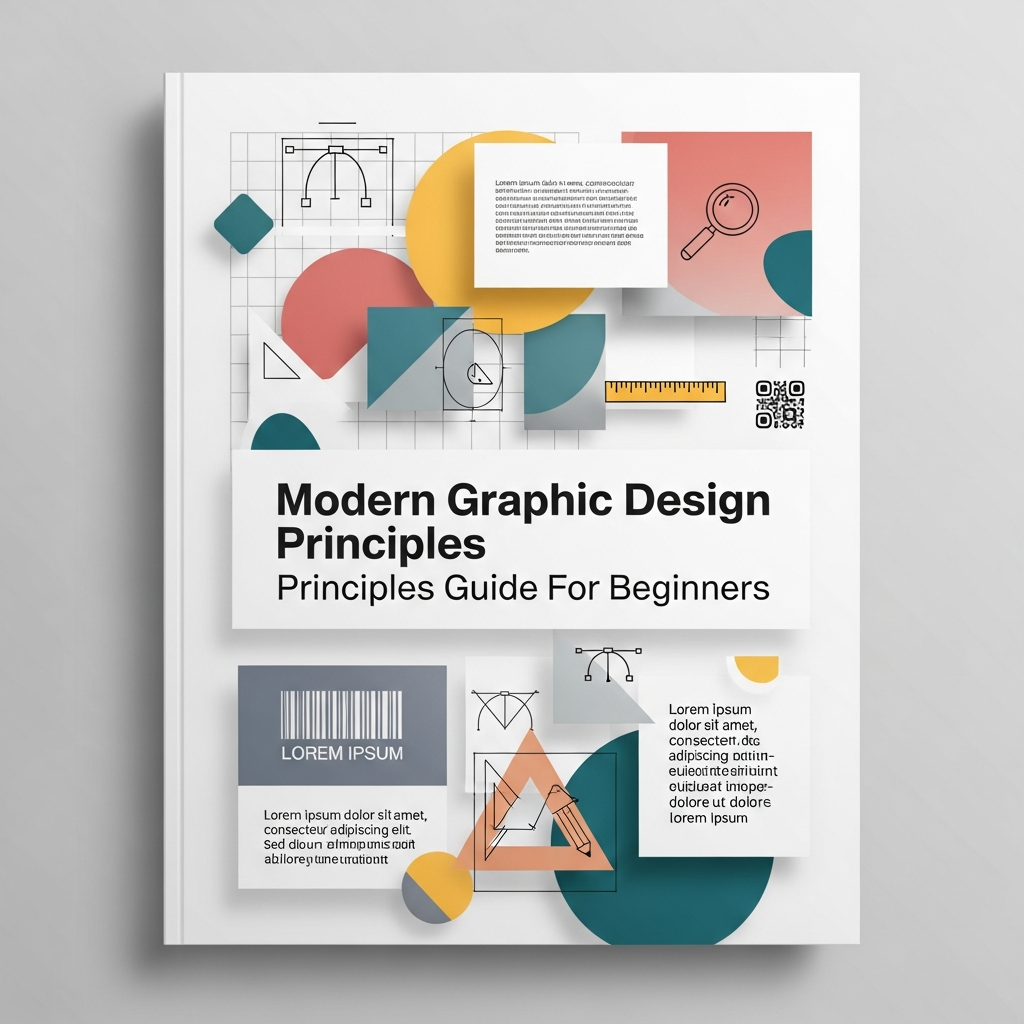
Modern Graphic Design Principles: A Complete Comprehensive Guide for Beginners
In an era dominated by visual communication, understanding the core foundations of design is no longer a niche skill reserved for artists. Whether you are building a personal brand, designing a website, or creating social media content, modern graphic design principles serve as the silent language that communicates your message to the world.
Graphic design is far more than just “making things look pretty.” It is a strategic discipline that combines psychology, mathematics, and artistry to solve problems and convey information effectively. By mastering these principles, you can transform a cluttered layout into a professional, high-impact visual experience.
This guide provides a deep dive into the fundamental pillars of design, tailored specifically for beginners who want to produce professional-grade work in a digital-first environment.
1. Visual Hierarchy: The Roadmap for the Eye
Visual hierarchy is perhaps the most critical principle in modern design. It refers to the arrangement of elements in a way that implies importance. Without hierarchy, every element on a page competes for attention, leading to cognitive overload for the viewer.
To establish an effective hierarchy, you must decide which piece of information is the “Hero” or the primary focal point. You can influence the viewer’s journey using several techniques:
- Size and Scale: Larger elements naturally attract the eye first. A massive headline will always be read before a small caption.
- Color and Contrast: Bold, bright colors stand out against muted backgrounds. Use high-contrast colors to highlight “Call to Action” (CTA) buttons.
- Typography: Utilizing different font weights (Bold vs. Light) helps distinguish between titles, subheadings, and body text.
- Placement: In Western cultures, the eye typically moves in an “F” or “Z” pattern. Placing crucial information along these paths ensures higher visibility.
By consciously applying visual hierarchy, you ensure that your audience receives the most important message first, followed by supporting details in a logical sequence.
2. Balance: Achieving Visual Equilibrium
In design, balance is the distribution of the visual weight of objects, colors, texture, and space. Just as physical objects have weight, visual elements have “heaviness” that can make a design feel stable or uncomfortable.
There are three primary types of balance you should understand:
Symmetrical Balance
This occurs when elements are mirrored on either side of a central axis. It conveys a sense of formality, elegance, and stability. Symmetrical balance is often used in luxury branding and traditional layouts.
Asymmetrical Balance
Modern graphic design frequently utilizes asymmetrical balance. This involves using elements of different weights to create a dynamic, modern feel while still maintaining equilibrium. For example, one large image on the left can be balanced by a block of text and a small icon on the right.
Radial Balance
In radial balance, elements radiate out from a central point. This creates a strong sense of movement and is often used to draw the eye directly to a central focal point, such as a logo or a specific product feature.
3. Contrast: The Key to Clarity and Impact
Contrast occurs when two elements on a page are different. The greater the difference, the easier it is for the viewer to distinguish between them. Contrast is the primary tool for creating emphasis and ensuring readability.
Common ways to implement contrast include:
- Value: Dark vs. Light (e.g., black text on a white background).
- Shape: Organic, fluid shapes vs. sharp, geometric shapes.
- Direction: Horizontal vs. Vertical elements.
- Texture: Smooth digital gradients vs. rough, tactile patterns.
Expert Tip: Avoid “weak contrast.” If two elements are only slightly different, it often looks like a mistake rather than a design choice. Go bold or stay consistent.
4. Alignment: Creating Order and Professionalism
One of the easiest ways to spot an amateur design is poor alignment. Alignment ensures that every element has a visual connection with something else on the page. It eliminates randomness and creates a clean, organized structure.
In modern digital design, Grid Systems are the gold standard for achieving perfect alignment. Whether you are using a 12-column grid for a website or a simple 3×3 grid for an Instagram post, sticking to a framework ensures that your design feels cohesive.
Remember, even if elements are physically far apart, their invisible alignment creates a “silent link” that the human brain perceives as order.
5. Proximity: Organizing Relationships
The principle of proximity dictates that related items should be grouped together. When elements are placed close to each other, the viewer perceives them as a single visual unit or a related group.
For example, in a business card design, the name and title should be grouped together, while the contact information forms a separate group. This reduces clutter and makes the information much easier to digest. Proper use of proximity helps in decluttering the interface and improving the overall User Experience (UX).
6. Repetition and Consistency
Repetition strengthens a design by tying together individual elements. It creates a sense of consistency and helps build brand identity. Repetition can be achieved through the consistent use of colors, typefaces, shapes, or even a specific photographic style.
In a multi-page document or a website, repetition ensures that the user doesn’t feel lost. If every page has a different header style, the user will become confused. Consistency builds trust and familiarity.
7. White Space: The Power of Negative Space
Often misunderstood as “empty space,” White Space (or negative space) is the area between design elements. In modern design, white space is a powerful tool used to create breathing room and reduce noise.
White space serves several vital functions:
- Improves Readability: Proper spacing between lines of text (leading) and letters (kerning) makes content easier to read.
- Creates Luxury: High-end brands like Apple use vast amounts of white space to convey a sense of sophistication and focus.
- Directs Attention: By surrounding an object with empty space, you force the viewer to look at that object.
Don’t feel the need to fill every corner of your canvas. Sometimes, what you leave out is just as important as what you put in.
8. Mastering Color Theory
Color is one of the most emotional aspects of design. Color theory is the study of how colors interact and the effects they have on human psychology. For a beginner, understanding the color wheel is the first step.
The Psychology of Color
- Blue: Trust, security, and professionalism (Common in banking and tech).
- Red: Excitement, urgency, and passion (Common in food and clearance sales).
- Green: Nature, growth, and health.
- Yellow: Optimism and warmth, but can be straining if overused.
Creating Color Palettes
Use established schemes to ensure harmony:
- Complementary: Colors opposite each other on the wheel (High contrast).
- Analogous: Colors next to each other (Calming and harmonious).
- Monochromatic: Different shades and tints of a single color (Clean and modern).
9. Typography: The Art of Arranging Type
Typography is more than just picking a font; it is the visual component of the written word. In modern design, typography often carries the weight of the entire composition.
Key terms every beginner should know:
- Serif: Fonts with small decorative lines at the ends of characters (e.g., Times New Roman). They feel traditional and reliable.
- Sans Serif: Fonts without those lines (e.g., Helvetica). They feel modern, clean, and are preferred for digital screens.
- Hierarchy in Type: Use different sizes and weights to distinguish between H1, H2, and body text.
- Legibility: Ensure there is enough contrast and size for the text to be read easily across different devices.
10. Essential Tools for the Modern Designer
While principles are more important than tools, you need the right software to bring your ideas to life. Depending on your goals, here are the industry standards:
- Adobe Photoshop: Best for photo editing and raster-based graphics.
- Adobe Illustrator: The gold standard for vector design (logos, icons, illustrations).
- Figma / Adobe XD: Essential for UI/UX and web design.
- Canva: A fantastic entry-level tool for social media graphics and quick layouts.
Common Mistakes to Avoid
As you begin your journey, be mindful of these frequent pitfalls:
- Overdesigning: Trying to use every principle at once. Keep it simple.
- Poor Font Choices: Using too many different fonts (stick to 2-3 per project).
- Ignoring the Audience: Designing for yourself instead of the target user.
- Lack of Contrast: Making text hard to read against a busy background.
Conclusion
Mastering modern graphic design principles is a journey of constant learning and observation. By applying visual hierarchy, balance, contrast, and effective typography, you can move beyond “guessing” and start creating designs that truly communicate.
The best way to improve is to practice. Start by deconstructing designs you admire. Ask yourself: How did the designer use white space? Where is the focal point? Why does this color palette work? Over time, these principles will become second nature, allowing your creativity to flourish within a professional framework.
Frequently Asked Questions (FAQ)
What is the most important principle of graphic design?
While all principles are interconnected, Visual Hierarchy is often considered the most important because it dictates how the viewer processes information and ensures the message is understood.
Do I need to be good at drawing to be a graphic designer?
No, drawing is not a requirement. While it can help with sketching ideas, modern graphic design relies more on understanding composition, software proficiency, and visual problem-solving.
What is the difference between UI and Graphic Design?
Graphic design focuses on visual communication (logos, posters, branding), while UI (User Interface) design specifically focuses on the look and feel of digital interfaces like apps and websites, emphasizing interactivity.
How many colors should I use in a design?
A good rule of thumb for beginners is the 60-30-10 rule: 60% dominant color, 30% secondary color, and 10% accent color. Generally, using 2 to 3 colors is ideal for maintaining a clean look.
Why is white space important?
White space prevents a design from feeling cluttered. It helps the viewer focus on the essential elements, improves readability, and gives the overall composition a professional, high-end feel.