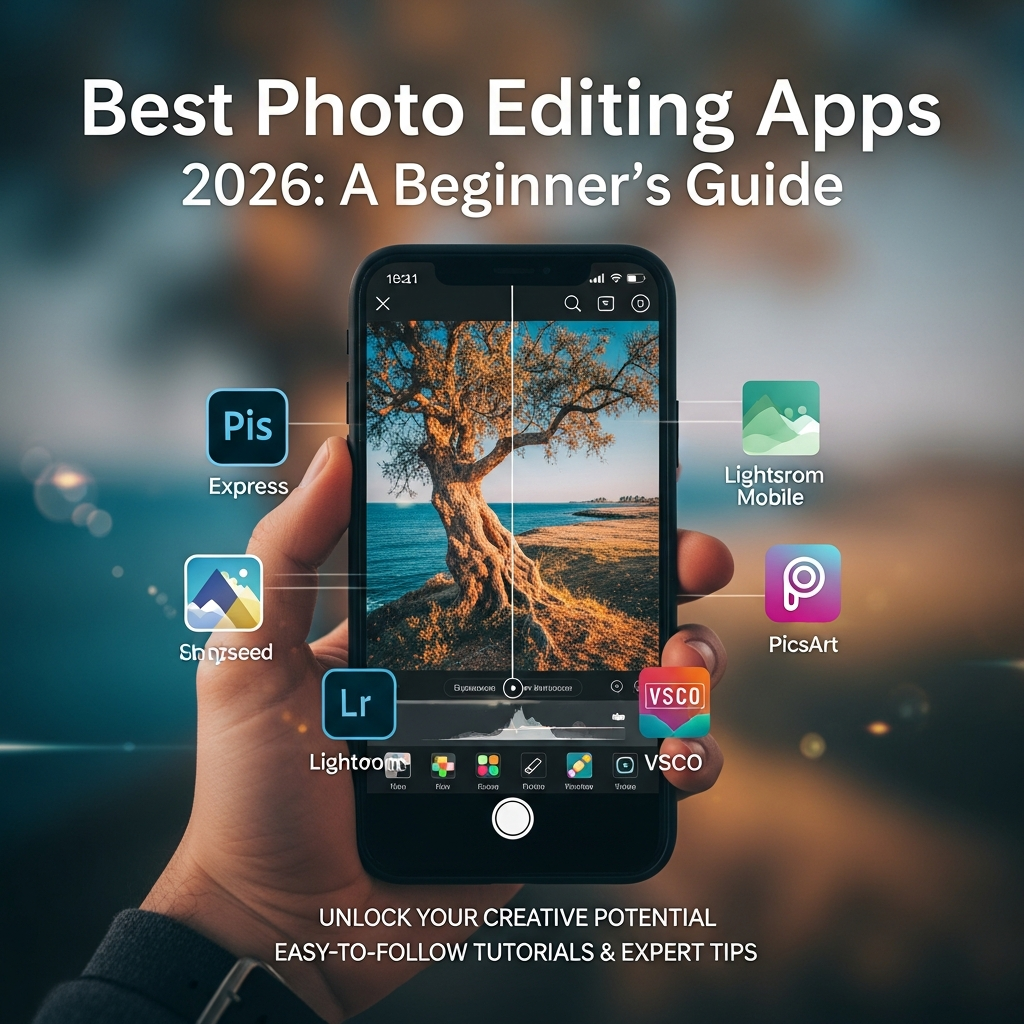
Best Photo Editing Apps 2026: The Ultimate Guide for Beginners
The landscape of digital photography has undergone a massive transformation as we head into 2026. Gone are the days when professional-grade photo editing required a high-end desktop computer and years of technical training. Today, your smartphone or tablet is a powerful creative studio capable of producing stunning visuals that rival professional advertisements. For beginners, the challenge is no longer finding a tool, but choosing the right one from a sea of AI-powered applications.
Understanding the Photo Editing Revolution in 2026
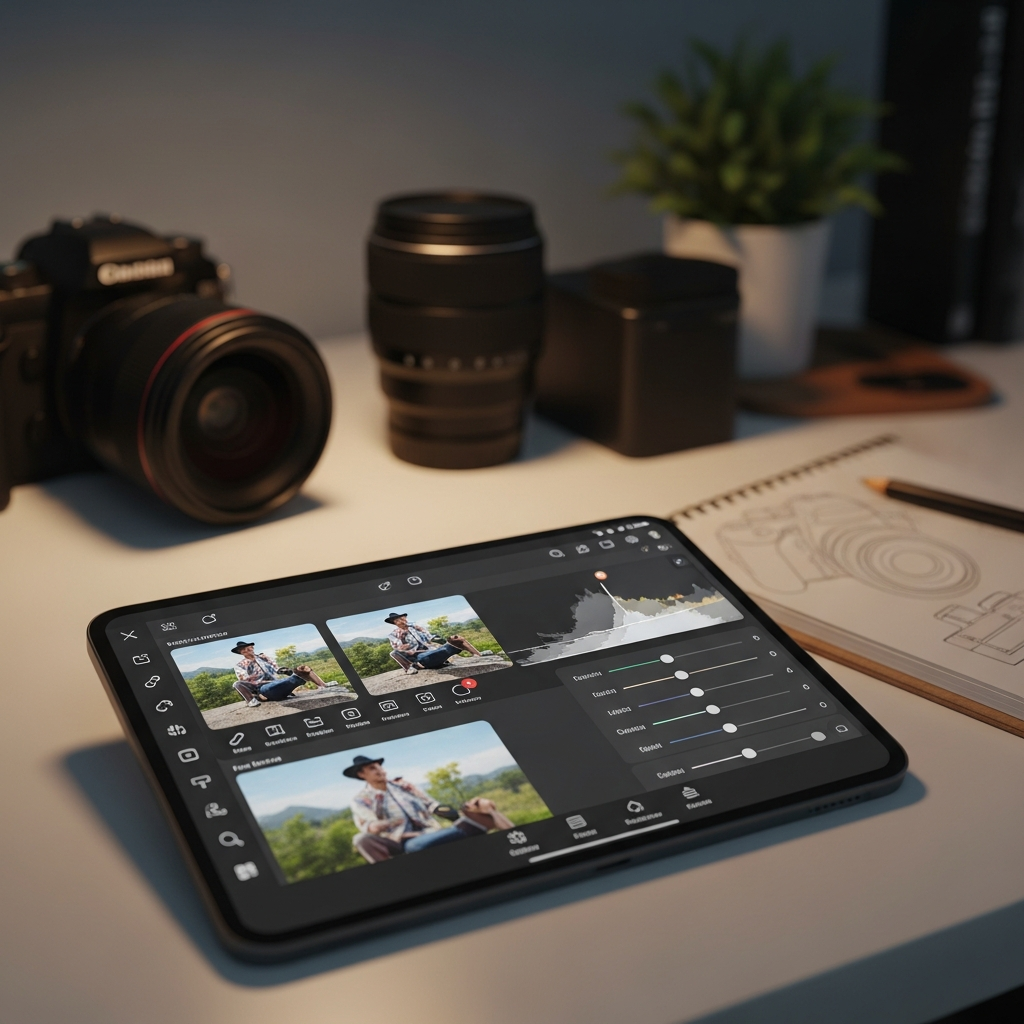
In 2026, the primary driver of photo editing technology is Generative Artificial Intelligence (AI). Modern apps do not just adjust brightness or contrast; they understand the context of your images. They can identify the subject, the background, and even the lighting conditions to suggest the most aesthetically pleasing edits automatically. For a beginner, this means the learning curve has been significantly flattened, allowing you to focus more on your creative vision rather than technical hurdles.
Before diving into specific applications, it is essential to understand that the “best” app depends on your specific goals. Are you looking to enhance family photos, create content for social media, or explore the artistic side of digital manipulation? Most apps in 2026 offer a hybrid experience, combining one-tap automation with manual controls for those who wish to learn the craft more deeply.
Top 10 Best Photo Editing Apps for Beginners in 2026
The following list represents the pinnacle of user-friendly software available this year. These applications have been selected based on their interface simplicity, the power of their AI features, and their overall value for novice users.
1. Adobe Lightroom Mobile (The Gold Standard)
Adobe Lightroom remains the most respected name in the industry. In 2026, its mobile version has become incredibly intuitive. It uses Adobe Sensei AI to provide “Auto” adjustments that are surprisingly accurate. For beginners, the “Presets” feature is a lifesaver, allowing you to apply professional color grading with a single tap.
- Key Feature: AI-powered masking that automatically selects the sky or subject.
- Best For: Users who want to eventually transition to professional photography.
- Platform: iOS, Android, Windows, Mac.
2. Canva: Magic Studio 2026
Canva has evolved from a simple graphic design tool into a powerhouse for photo editing. Its Magic Studio suite allows beginners to remove objects, expand backgrounds, and change the color of specific items in a photo using simple text prompts. It is the ultimate tool for those creating content for Instagram, TikTok, or business presentations.
- Key Feature: Magic Expand and Magic Grab for effortless object manipulation.
- Best For: Social media creators and small business owners.
- Platform: Web-based, iOS, Android.
3. Snapseed by Google
Despite being one of the older apps on the market, Google’s Snapseed remains a favorite because it is completely free and contains no advertisements. Its gesture-based interface is perfect for beginners who want to learn how different adjustments affect an image without being overwhelmed by complex menus.
- Key Feature: The “Selective” tool which allows for localized edits.
- Best For: Pure hobbyists who want high-quality tools without a subscription.
- Platform: iOS, Android.
4. Picsart AI Photo Editor
Picsart is the most “fun” app on this list. It combines traditional editing with digital storytelling tools. In 2026, its AI image generator and sticker maker are top-tier. It is designed for a younger audience that values creativity and remixing over traditional color correction.
- Key Feature: AI Replace, which lets you swap objects in photos with anything you can imagine.
- Best For: Creative enthusiasts and Gen Z creators.
- Platform: iOS, Android, Windows.
5. VSCO: The Aesthetic Choice
VSCO is famous for its film-emulation filters. If you want your digital photos to look like they were taken on 35mm film, this is the app for you. The 2026 version includes advanced video editing capabilities, making it a versatile tool for modern “aesthetic” influencers.
- Key Feature: High-quality film presets (Kodak, Fuji, Agfa).
- Best For: Users who prefer a minimalist, vintage look.
- Platform: iOS, Android.
6. Adobe Express
Adobe Express is the faster, more accessible sibling of Photoshop. It provides “Quick Actions” that perform complex tasks like background removal or image resizing in seconds. It is perfect for beginners who find the full Creative Cloud suite intimidating.
- Key Feature: One-tap background removal and font recommendations.
- Best For: Quick edits and marketing materials.
- Platform: Web, Mobile.
7. Darkroom
For iOS users, Darkroom offers a deep integration with the Apple ecosystem. It is incredibly fast and allows you to edit your Live Photos and Portrait Mode images with precision. Its interface is clean and avoids the cluttered look of many competitors.
- Key Feature: Direct integration with the iCloud Photo Library.
- Best For: iPhone and iPad power users.
- Platform: iOS, macOS.
8. Fotor AI Photo Editor
Fotor has positioned itself as the “one-click” solution. Its AI-enhancer is specifically tuned to fix common beginner mistakes like underexposure or blurry subjects. In 2026, it features an impressive “AI Headshot” generator that can turn a simple selfie into a professional LinkedIn photo.
- Key Feature: One-tap AI Enhancer.
- Best For: People who want instant results with zero effort.
- Platform: Web, iOS, Android.
9. Lensa AI
Lensa became famous for its avatars, but its photo editing suite is robust. It specializes in portrait retouching. It can automatically smooth skin, whiten teeth, and brighten eyes without making the subject look “fake” or overly processed.
- Key Feature: “Magic Correction” for portraits.
- Best For: Selfie enthusiasts and portrait photographers.
- Platform: iOS, Android.
10. Pixlr
Pixlr offers a browser-based experience that feels very similar to Photoshop but is much easier to navigate. It is an excellent choice for beginners who are working on a Chromebook or an older laptop, as it processes most of the data in the cloud.
- Key Feature: Layers and history panels for non-destructive editing.
- Best For: Desktop-based beginners on a budget.
- Platform: Web, iOS, Android.
Essential Features to Look For in 2026
When you are choosing your first photo editing app, do not get distracted by the number of filters. Instead, look for these essential functionalities that will actually help you grow as a photographer:
- Non-Destructive Editing: This allows you to undo any change at any time without losing the original image data.
- RAW Support: Even as a beginner, you should look for apps that support RAW files. These files contain more data and allow for much better recovery of shadows and highlights.
- Cloud Syncing: In 2026, you should be able to start an edit on your phone and finish it on your tablet or laptop seamlessly.
- AI Masking: The ability to select the subject or background automatically is no longer a luxury; it is a standard requirement for efficient editing.
Step-by-Step Guide: Your First Professional Edit
To help you get started, here is a universal workflow that you can apply to almost any app mentioned above. Follow these steps to transform a basic snapshot into a professional-looking photograph.
Step 1: Crop and Straighten
The first step is always to fix the composition. Use the Rule of Thirds grid to place your subject at the intersections of the lines. Ensure the horizon is perfectly straight, as a tilted horizon is a common sign of amateur photography.
Step 2: Adjust Global Exposure
Look for the “Light” or “Exposure” tab. Adjust the Exposure until the overall brightness looks natural. Use the Highlights slider to bring back detail in bright areas (like the sky) and the Shadows slider to reveal details in dark areas.
Step 3: Color Correction (White Balance)
If your photo looks too blue (cold) or too yellow (warm), adjust the Temperature slider. Your goal is to make the whites in the image look truly white. Once the balance is correct, you can use Saturation or Vibrance to make the colors pop.
Step 4: Use AI Enhancements
In 2026, most apps have a “Magic” or “AI Enhance” button. Use this after your manual adjustments to see if the AI can refine the details. Often, the AI will apply subtle Sharpening and De-noise functions that are difficult to do manually.
Step 5: Final Export
When saving your image, always choose the highest quality possible (usually JPEG at 100% or PNG). If the app asks about Color Space, choose sRGB, as this is the standard for web and social media viewing.
Comparison Table: Choosing the Right App
| App Name | Best Feature | Price Model | Difficulty |
|---|---|---|---|
| Lightroom | AI Masking | Subscription | Intermediate |
| Canva | Generative AI | Freemium | Very Easy |
| Snapseed | Selective Edit | Free | Easy |
| Picsart | Creative Filters | Freemium | Easy |
Common Mistakes Beginners Should Avoid
As you begin your journey, it is easy to get carried away. Here are three mistakes that even the best apps can’t fix if you overdo them:
1. Over-Saturation: Beginners often push the color sliders too far. This makes skin tones look orange and landscapes look like cartoons. Aim for a look that is “enhanced reality” rather than “alternate universe.”
2. Excessive Contrast: High contrast can make an image look “punchy,” but it also destroys detail in the shadows and highlights. Use the Curves tool gently if your app provides it.
3. Over-Smoothing Skin: In the age of AI, it is tempting to use “Beauty” filters at 100%. This results in a “plastic” look. Always reduce the intensity of skin-smoothing filters to keep the natural texture of the skin visible.
The Future of Photo Editing: What to Expect Beyond 2026
The trend is moving toward Contextual Editing. Future updates will likely allow you to change the time of day in a photo or even the season with perfect lighting accuracy. We are also seeing a rise in Ethical AI Labels. In 2026, many social platforms will require a tag if an image has been heavily manipulated by AI. As a beginner, it is good practice to maintain the integrity of your photos while using these tools to enhance your unique perspective.
Conclusion
Choosing the best photo editing app in 2026 is about finding the balance between power and simplicity. For most beginners, Canva or Adobe Express provides the quickest path to great results. However, if you are serious about learning the art of photography, investing time in Adobe Lightroom or Snapseed will pay off in the long run. The most important thing is to start experimenting. Photography is a journey of the eye, and these apps are simply the brushes for your digital canvas.
Frequently Asked Questions (FAQ)
Which photo editing app is best for absolute beginners?
Canva and Fotor are generally considered the best for absolute beginners because they offer “one-tap” solutions and very intuitive drag-and-drop interfaces.
Are free photo editing apps safe to use?
Yes, apps from reputable developers like Google (Snapseed) and Adobe (Lightroom Mobile) are very safe. However, be cautious with unknown apps that ask for excessive permissions to your contacts or location.
Is AI photo editing considered “cheating”?
In 2026, AI is seen as a productivity tool rather than cheating. It handles the repetitive, technical tasks, allowing the photographer to focus on composition and storytelling. However, for journalism or documentary photography, heavy AI manipulation is usually discouraged.
Do I need a high-end phone for these apps in 2026?
While most apps run on mid-range devices, features like Generative AI and Real-time Masking perform much faster on phones with dedicated AI chips (like the latest iPhone or Samsung Galaxy models).