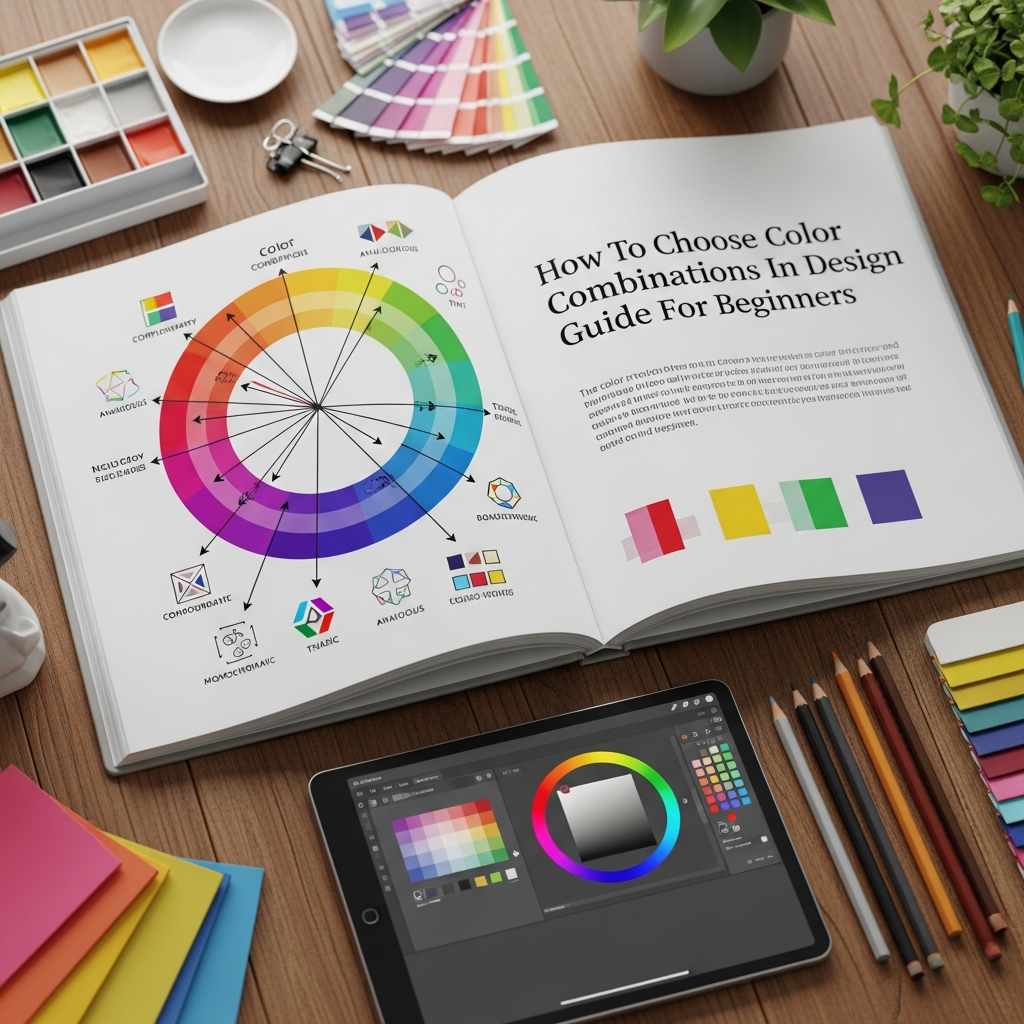
How To Choose Color Combinations In Design: The Ultimate Beginner’s Guide
Color is one of the most powerful tools in a designer’s arsenal. It has the unique ability to evoke emotion, convey messages, and influence human behavior without a single word being spoken. However, for many beginners, the process of selecting the right palette can feel overwhelming. You might ask yourself: Which colors go together? Why do some combinations feel “off” while others look professional?
Understanding how to choose color combinations in design is not just about having an “eye” for aesthetics; it is a science rooted in color theory and psychology. Whether you are designing a website, a brand logo, or a social media graphic, mastering the art of color coordination will elevate your work from amateur to expert.
In this comprehensive guide, we will break down the complexities of color theory into actionable steps. You will learn the fundamental principles of the color wheel, explore various color schemes, and discover professional tips to ensure your designs are both beautiful and functional.
1. The Foundation: Understanding Color Theory
Before you can effectively choose color combinations, you must understand the basic building blocks of color. Color theory is the collection of rules and guidelines that designers use to communicate with users through appealing color schemes.
The Color Wheel
The color wheel is a visual representation of colors arranged according to their chromatic relationship. Invented by Sir Isaac Newton in 1666, it remains the primary tool for understanding how colors interact. The wheel is typically divided into three categories:
- Primary Colors: Red, Yellow, and Blue. These are the “parent” colors that cannot be created by mixing other colors.
- Secondary Colors: Green, Orange, and Purple. These are created by mixing two primary colors.
- Tertiary Colors: These are formed by mixing a primary color with a secondary color (e.g., Blue-Green or Red-Orange).
Warm vs. Cool Colors
The color wheel can also be split into warm and cool temperatures. Warm colors (reds, oranges, yellows) are associated with energy, brightness, and action. Cool colors (blues, greens, purples) are linked to serenity, peace, and professional stability. Understanding this distinction is vital when you decide the “mood” of your design.
2. Core Color Schemes: The Secret to Harmony
To choose color combinations in design that look professional, you should rely on established mathematical formulas known as color schemes. These formulas ensure that the colors you pick have a natural balance.
Monochromatic Schemes
A monochromatic scheme uses different tones, shades, and tints of a single hue. For example, using various shades of dark blue, sky blue, and navy. This approach is highly effective for creating a clean, organized, and sophisticated look. It is often used in corporate branding where minimalism is key.
Analogous Schemes
Analogous colors sit next to each other on the color wheel. Examples include Blue, Blue-Green, and Green. These combinations are often found in nature and are inherently pleasing to the eye. When using an analogous scheme, you should choose one dominant color and use the others as accents to avoid overwhelming the viewer.
Complementary Schemes
Complementary colors are opposites on the color wheel, such as Red and Green or Blue and Orange. Because they provide the highest level of contrast, they create a vibrant, high-energy look. This scheme is excellent for “Call to Action” (CTA) buttons or elements you want to stand out prominently.
Triadic Schemes
A triadic color scheme uses three colors that are evenly spaced around the color wheel, forming a triangle. This provides a high-contrast look while maintaining more balance than a complementary scheme. It is a popular choice for vibrant illustrations and youth-oriented marketing.
3. The Psychology of Color: Communicating Without Words
When you choose color combinations in design, you are also choosing the emotional response of your audience. Different colors trigger different psychological reactions. You must align your color choices with the message you intend to send.
- Red: Passion, excitement, urgency, or danger. It is often used for clearance sales or food brands to stimulate appetite.
- Blue: Trust, security, and stability. This is why blue is the most common color for banks, insurance companies, and social media platforms like LinkedIn and Facebook.
- Yellow: Happiness, optimism, and attention. However, use it sparingly, as too much yellow can cause eye strain.
- Green: Nature, growth, health, and wealth. It is the go-to color for organic products and financial services.
- Black: Luxury, elegance, and power. High-end brands like Chanel or Apple often use black to signify sophistication.
- White: Purity, cleanliness, and simplicity. It is essential for “white space” in modern web design.
4. Step-by-Step Guide: How to Choose Your Palette
Now that you understand the theory, let’s look at a practical workflow for selecting colors for your project. Follow these steps to ensure a cohesive result.
Step 1: Define Your Brand Personality
Before picking a single color, you must define the “vibe” of the project. Is it playful or serious? Modern or vintage? Luxurious or affordable? Write down three adjectives that describe your design goal. This will narrow down your search in the color wheel.
Step 2: Choose Your Base Color
Your base color is the dominant hue of your design. It should reflect the primary emotion of your brand. If you are designing for a healthcare app, your base color might be a calming Teal or Blue. If you are designing for a high-energy fitness brand, a vibrant Red or Orange might be better.
Step 3: Apply the 60-30-10 Rule
This is a classic interior design rule that works perfectly for graphic and web design. It helps you maintain balance:
- 60% Dominant Color: Usually a neutral color or your primary brand color used for the background.
- 30% Secondary Color: Used for headers, sidebars, or secondary elements.
- 10% Accent Color: A bold, contrasting color used for buttons, links, and important highlights.
Step 4: Test for Accessibility
A beautiful design is useless if people cannot read it. You must ensure there is enough contrast between your text and background. Use online tools to check if your combination meets the WCAG (Web Content Accessibility Guidelines). This ensures that users with visual impairments can still navigate your design.
5. Essential Tools for Finding Color Inspiration
You do not have to do everything manually. There are several professional tools that can help you discover perfect color combinations in seconds.
1. Adobe Color: This is a powerful, free tool that allows you to explore color wheels and extract palettes from photos. You can also browse thousands of community-created palettes.
2. Coolors.co: This is a super-fast color schemes generator. You can simply press the spacebar to generate new palettes and “lock” the colors you like until you find the perfect match.
3. Canva Color Palette Generator: If you have an image that represents your brand’s mood, you can upload it here, and the tool will automatically extract the hex codes for you.
6. Common Mistakes to Avoid
Even experienced designers can fall into traps. To ensure your design remains professional, avoid these common pitfalls:
- Using Too Many Colors: Stick to 2-4 colors. Using too many colors creates visual “noise” and confuses the viewer.
- Ignoring Contrast: Never put light text on a light background or dark text on a dark background. Legibility should always be your top priority.
- Relying on Pure Black: In digital design, pure black (#000000) can often look too harsh. Try using a very dark grey or a “near-black” with a hint of your primary color for a more natural feel.
- Forgetting the Medium: Colors look different on a screen (RGB) than they do on paper (CMYK). Always test your palette in the final medium.
7. Advanced Tip: The Power of Grays and Neutrals
Beginners often focus only on “bright” colors, but neutrals (whites, grays, beiges) are the unsung heroes of design. They provide a place for the eye to rest. If you have a vibrant accent color, surrounding it with neutral tones will make that color “pop” even more effectively than if it were surrounded by other bright colors.
Think of neutrals as the canvas and your chosen colors as the paint. Without the canvas, the paint has no structure.
Conclusion
Learning how to choose color combinations in design is a journey of experimentation. While the rules of color theory provide a vital roadmap, do not be afraid to trust your intuition as you gain more experience. Start with a clear understanding of your brand’s message, use the color wheel to find harmony, and always prioritize accessibility.
By following the 60-30-10 rule and utilizing professional tools like Adobe Color, you can create designs that are not only visually stunning but also psychologically effective. Now, it is time for you to open your design software and start experimenting with your own unique palettes!
Frequently Asked Questions (FAQ)
Q: What is the best color for a professional business website?
A: Blue is widely considered the safest and most professional color because it evokes trust and stability. However, the “best” color depends on your specific industry and target audience.
Q: How many colors should I use in one design?
A: Most professional designs use between 2 and 4 colors. Using a primary color, a secondary color, and one or two accent/neutral colors is usually sufficient for a balanced look.
Q: What are Hex codes?
A: Hex codes are six-digit codes (e.g., #FFFFFF for white) used in web design to identify specific colors. They allow you to maintain consistency across different platforms.
Q: Can I use bright neon colors for my brand?
A: Yes, but use them sparingly. Neon colors are great as accent colors to draw attention, but they can be exhausting for the eyes if used as background or primary colors.